Ultimate Upgrade.
Future Promised.
Get PRAGMATA™ with select GeForce RTX 50 Series.*
*One code per person. Terms and conditions apply. Select for details.

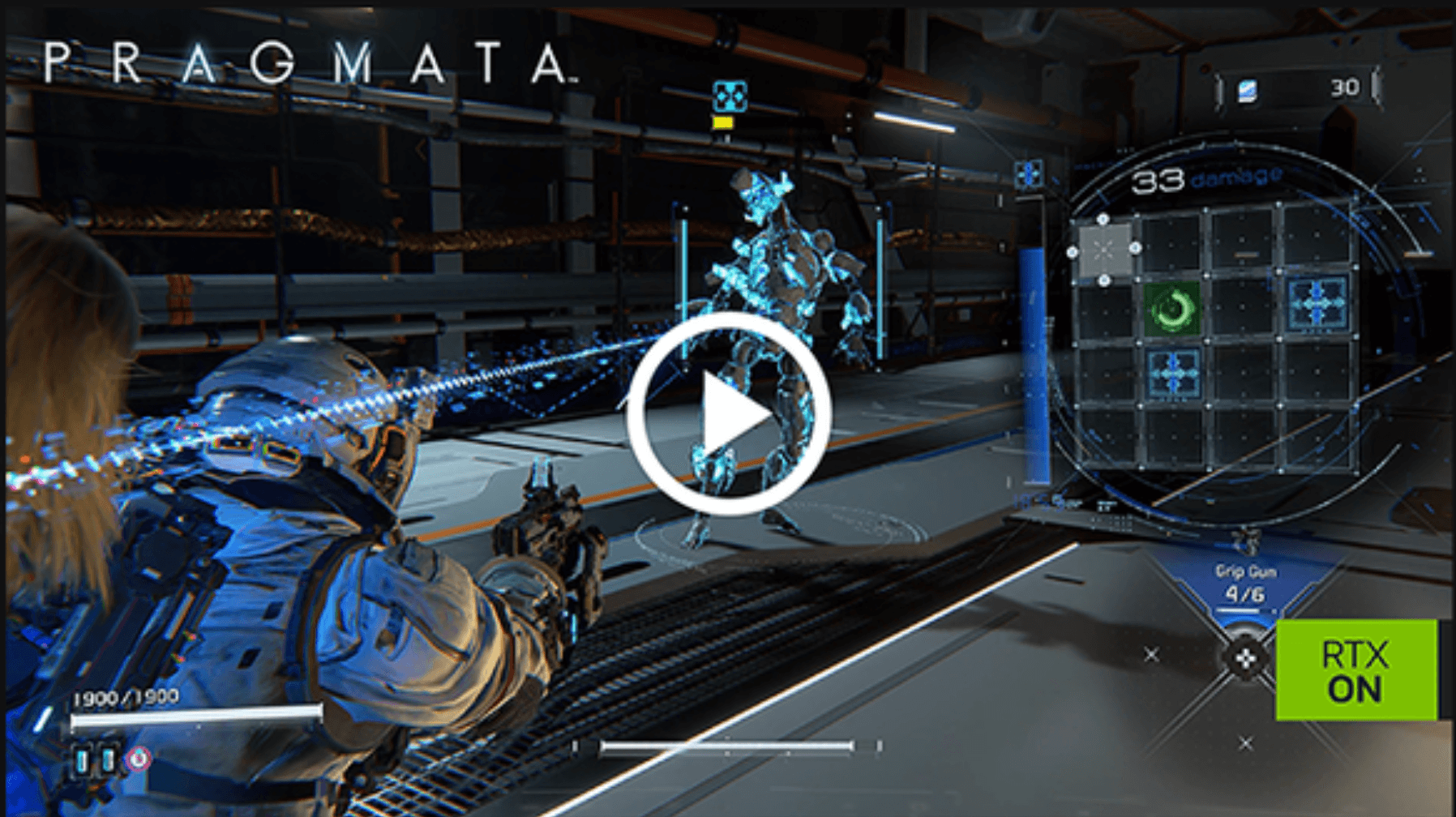
Experience an all-new Sci-Fi adventure with its own unique hacking twist. Set in the near future, protagonists Hugh and his android companion, Diana, must work together as they make their way through a cold lunar research station.
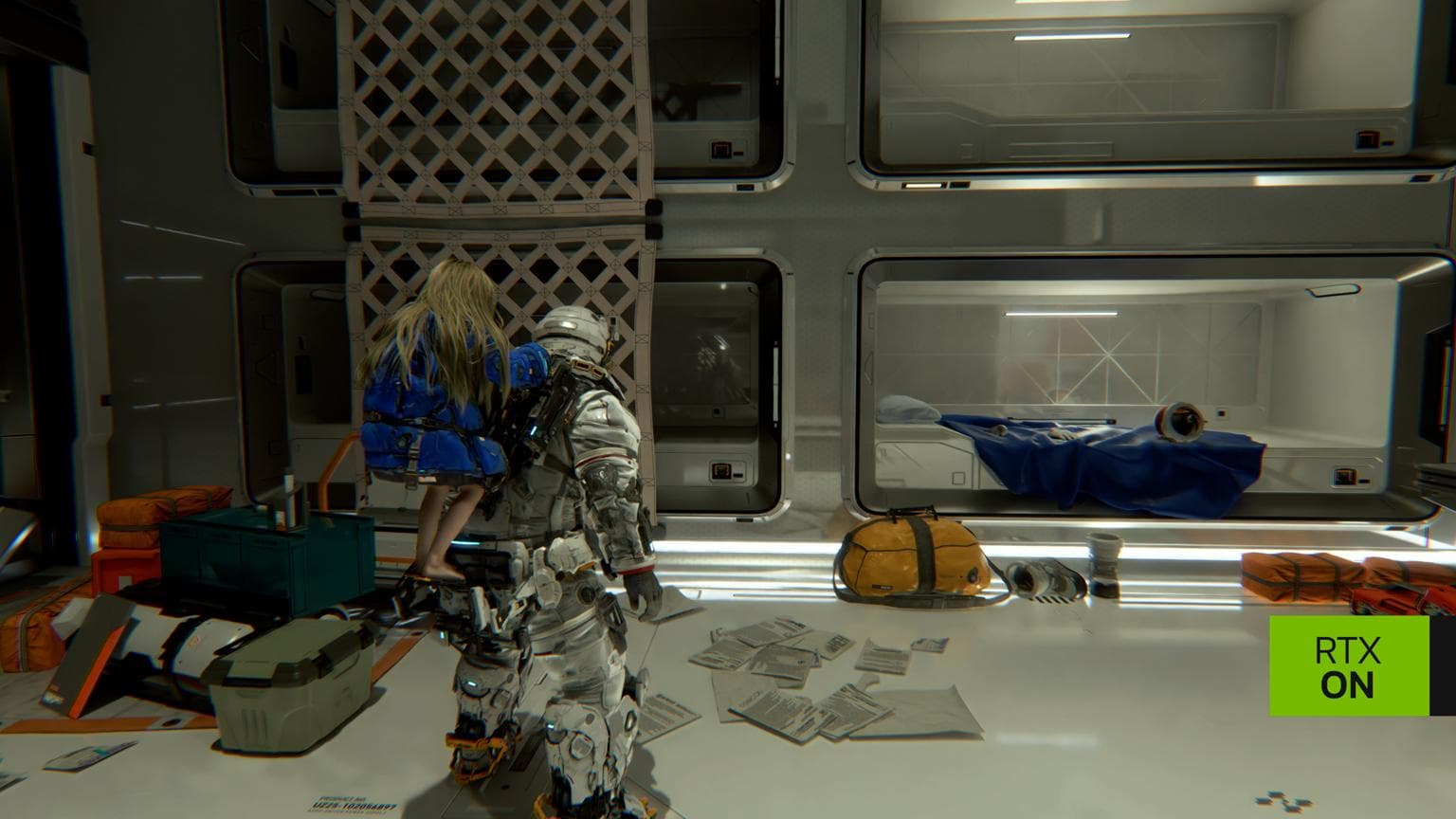
Hack and fight your way through an immersive desolate station, enhanced by realistic, path-traced visuals and AI-powered NVIDIA DLSS 4 with Multi Frame Generation.
Launch: 17 April 2026
Publisher/Dev: Capcom
Genre: Action-Adventure
Rating: PEGI 16, USK 12, ESRB T
Tech: Path Tracing, DLSS 4, Reflex
PRAGMATA IS RTX ON
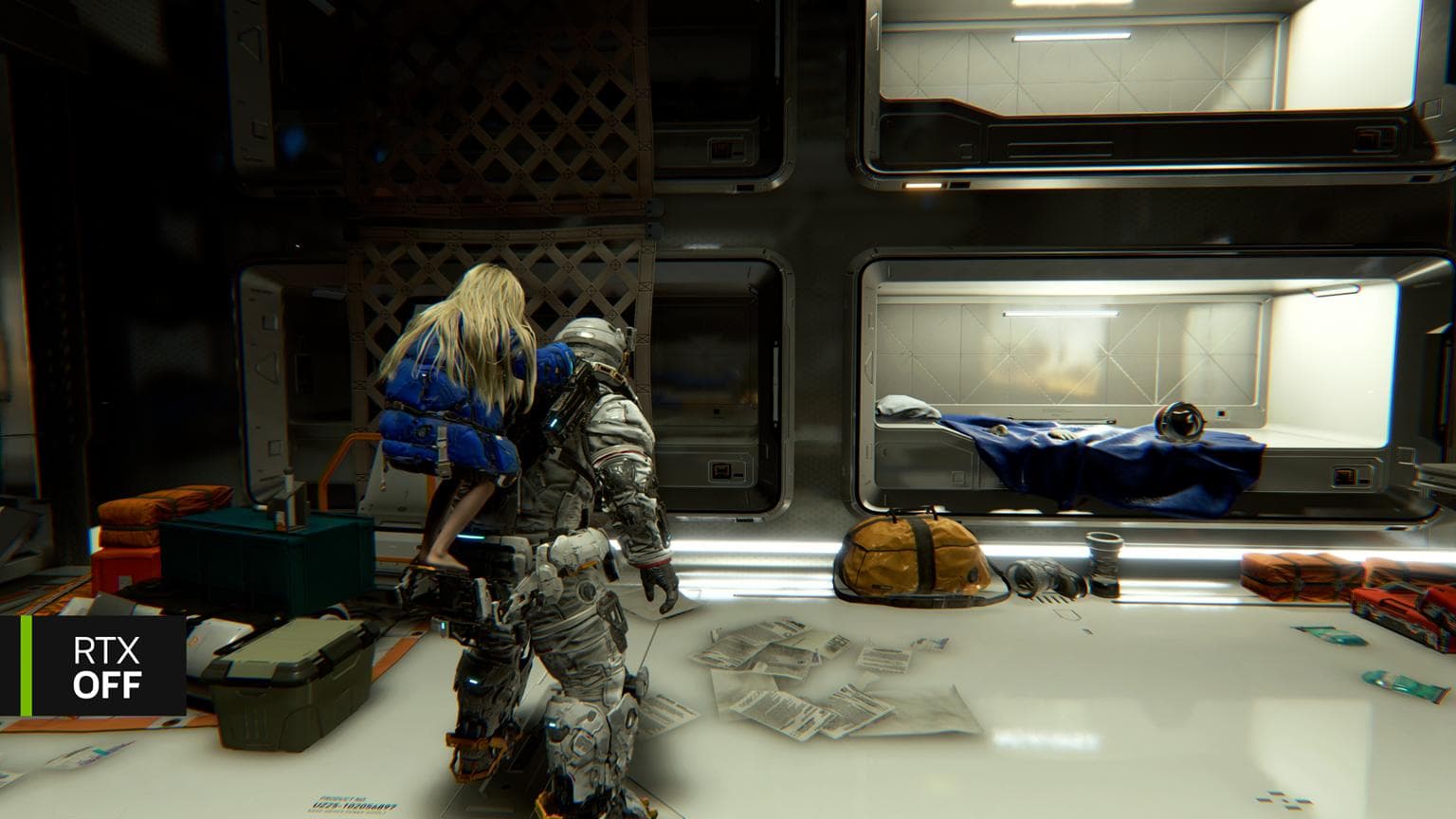
NVIDIA DLSS 4
Supreme Speed.
Superior Visuals.
Powered by AI.
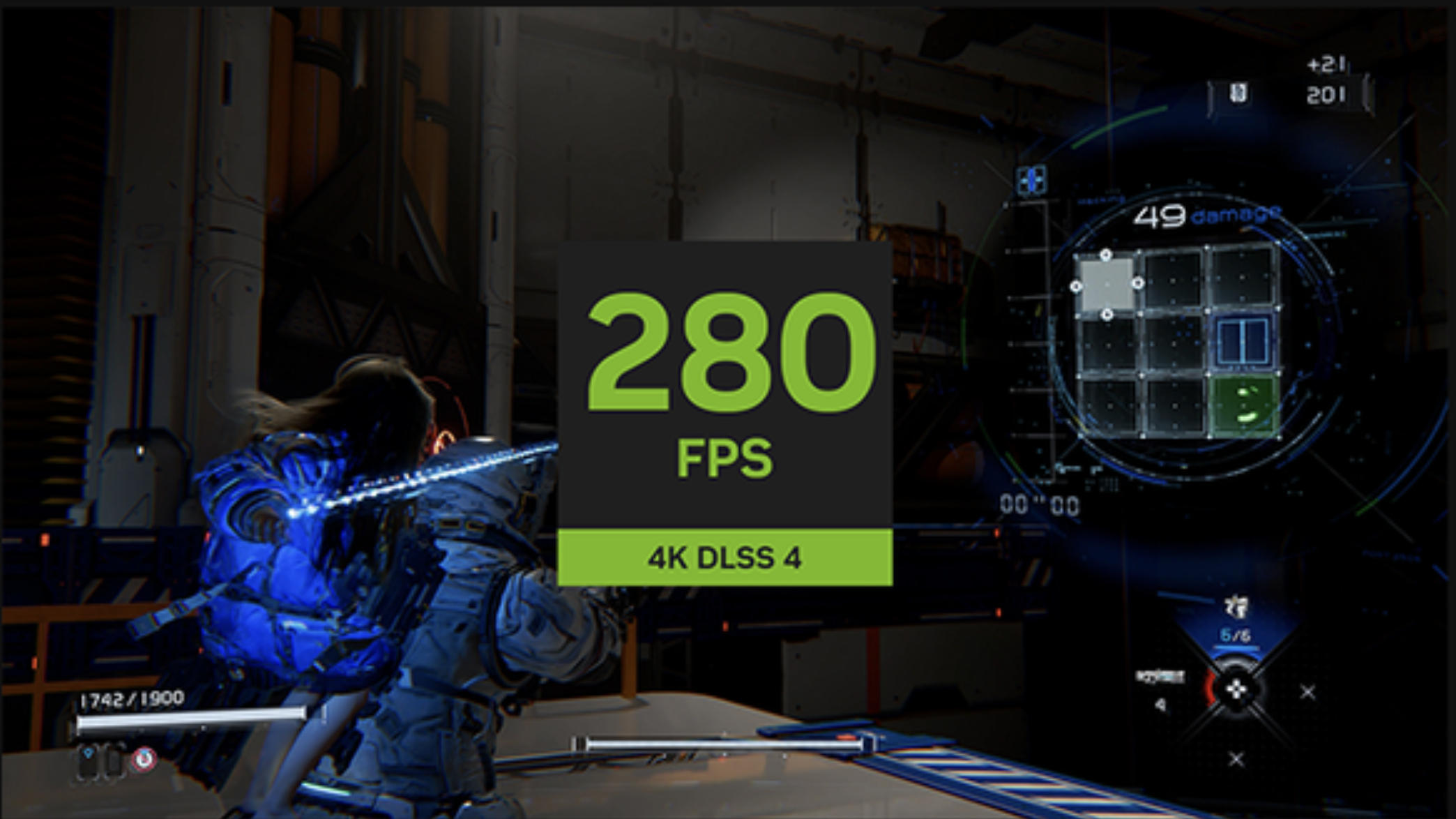
Powered by GeForce RTX 50 Series, DLSS 4 with Multi Frame Generation boosts FPS, reduces latency, and improves image quality, enhancing your PRAGMATA experience.
*Captured with GeForce RTX 5090 at 3840 × 2160 resolution, highest game settings on release build.
CES 2026 RTX Dev Diary Video

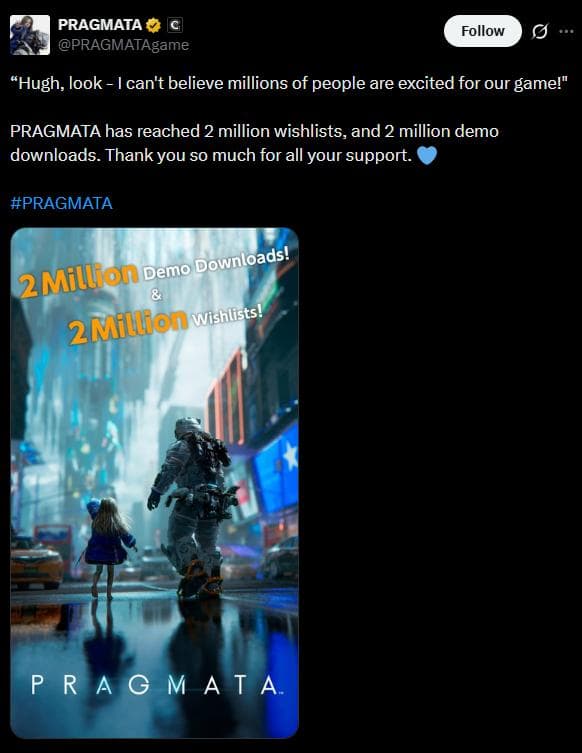
THE HYPE IS REAL – OVER 2M WISHLISTS
“Path Tracing is a technology that fundamentally transforms game visuals.”
“PRAGMATA is gaming at its peak.”
“The PRAGMATA demo turned a skeptic into a believer.”
“PRAGMATA Hype Escalates With Over 2 Million Demo Downloads and Wishlists.”
“PRAGMATA is one of the most original games I’ve played in years.”
GeForce RTX 50 Series Bundle
Offer
Buy select GeForce RTX 50 Series and get PRAGMATA Standard Edition.
Timing
Bundle launch: 14 April 2026
Bundle end: 12 May 2026
Redemption end: 9 June 2026
Eligible Products
NVIDIA GeForce RTX 5090, 5080, 5070 Ti, 5070 desktop system or graphics card, or laptop with a GeForce RTX 5090 Laptop GPU, RTX 5080 Laptop GPU, RTX 5070 Ti Laptop GPU, RTX 5070 Laptop GPU
Participating Regions
Global (Excluding Crimea Region of Ukraine, Belarus, Russia, Mainland China, Cuba, Iran, North Korea, Sudan, Syria and Venezuela (void where prohibited by law).
How to Redeem
- 1Install your qualified graphics card.
- 2Update or install the latest version of NVIDIA App.
- 3Open and log in to the NVIDIA App.
- 4Go to Redeem.
- 5Enter your bundle code from your qualifying purchase.
- 6Follow the instructions and sign in through your Steam account.
- 7Select Redeem to redeem PRAGMATA Standard Edition.
- 8Launch Steam to begin installation.
- 9For troubleshooting help, please visit our FAQ here. If you’re still experiencing problems, please contact our customer support team.
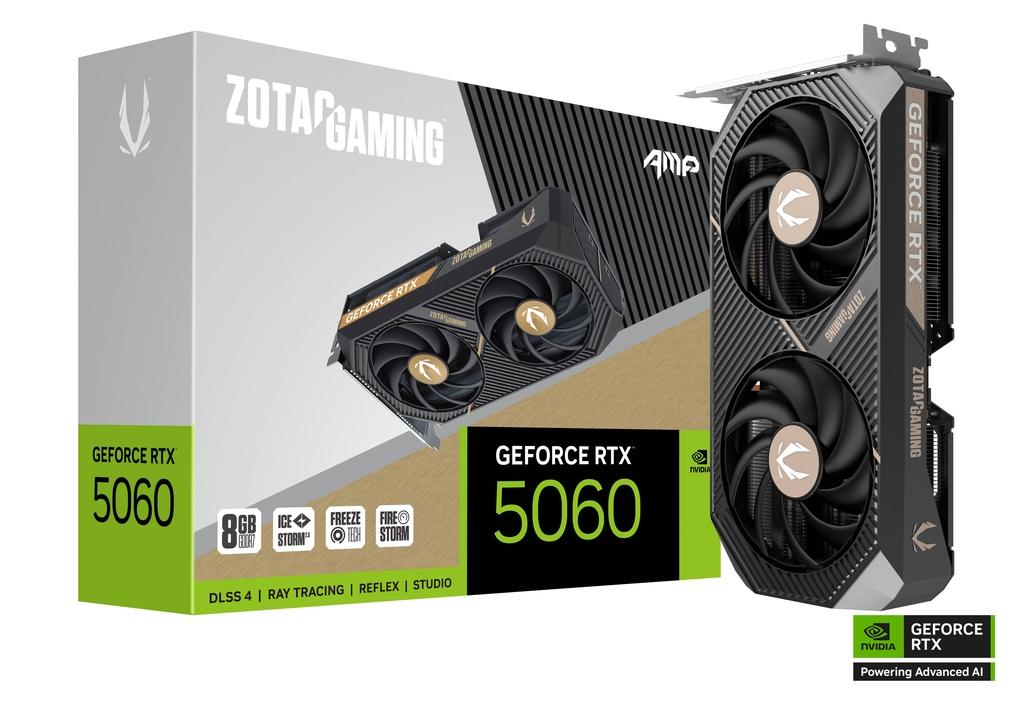
Buy GeForce RTX
Find eligible graphics cards, desktops, and laptops.
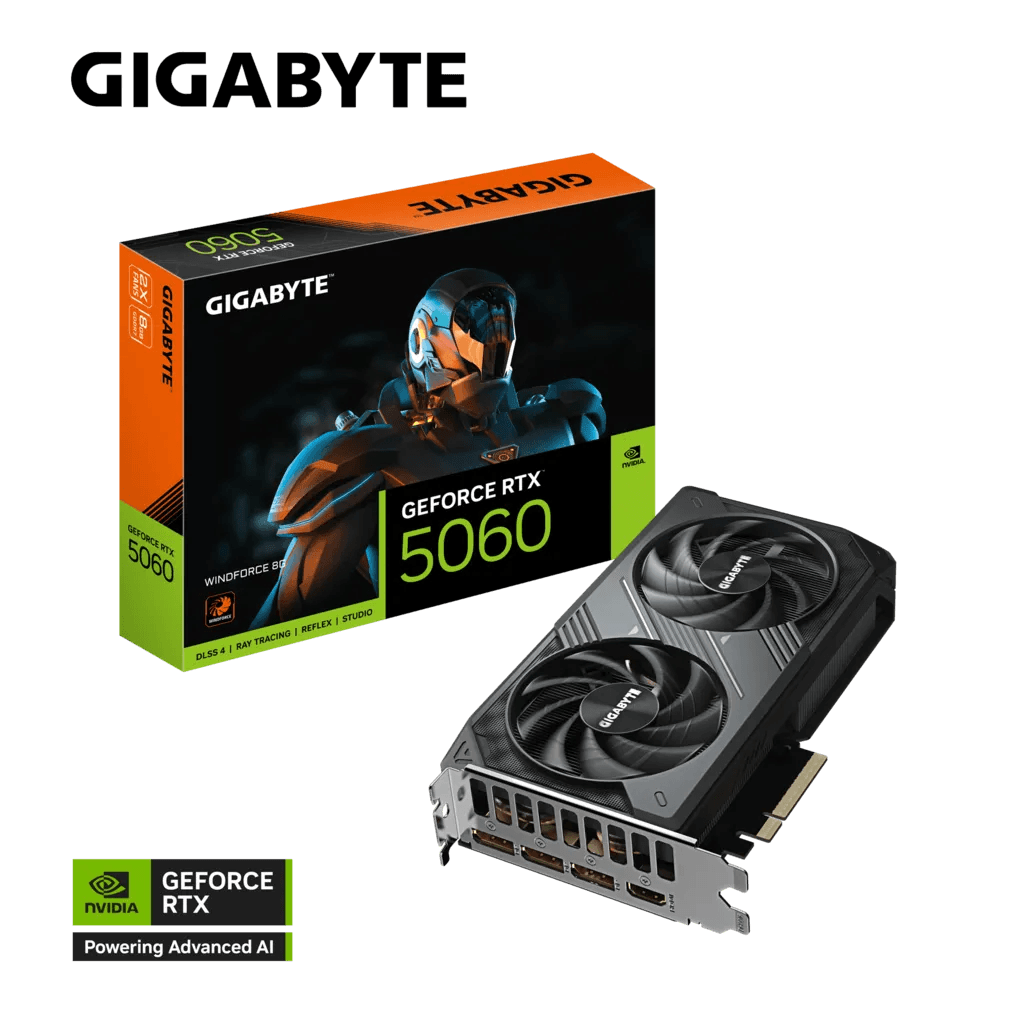
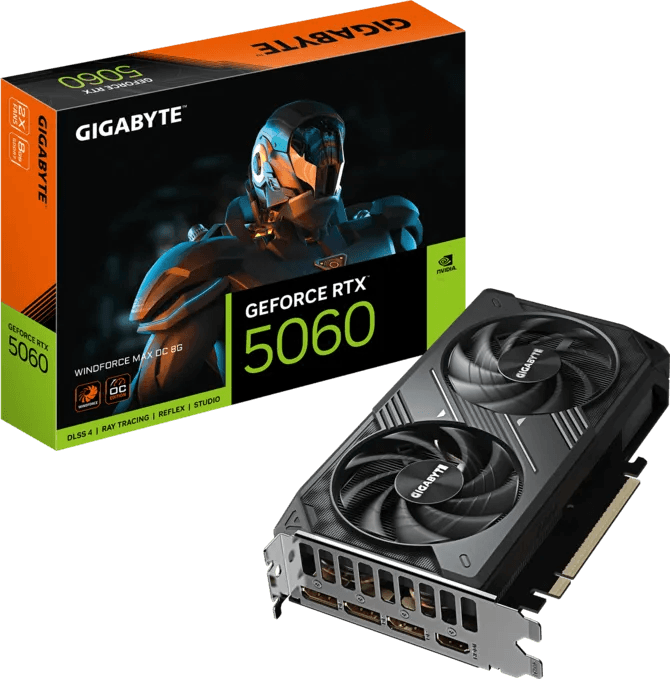
Gigabyte GeForce RTX 5060 WINDFORCE 8GB GDDR7 Graphics Card, 128 bit 28 Gbps, PCIe 5.0, Dual Fan Cooling, Black DLSS4 | GV-N5060WF2-8GD
New Arrival
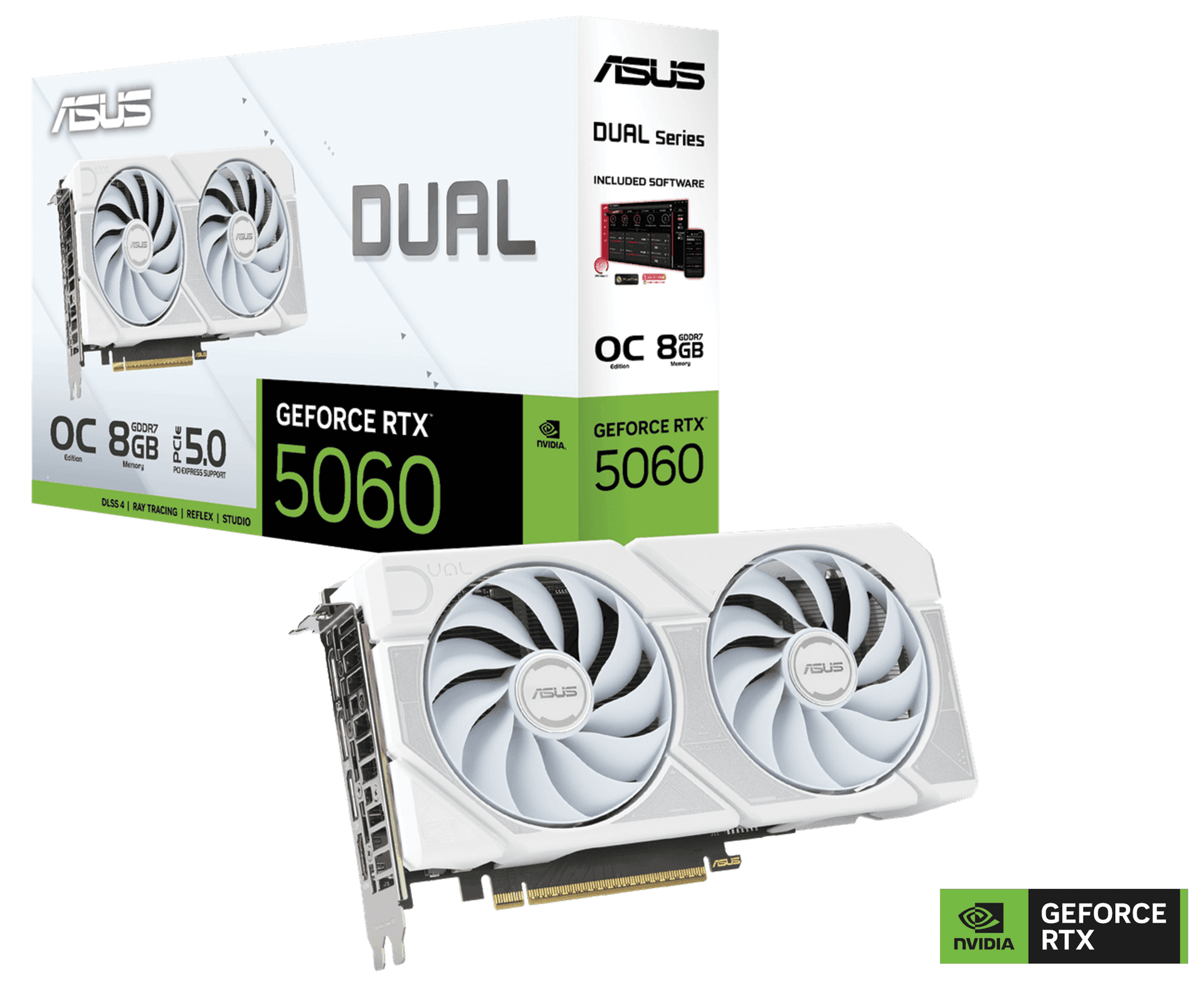
ASUS NVIDIA Dual GeForce RTX 5060 White OC Edition 8GB GDDR7 Graphics Card, 128-bit 28 Gbps, 623 AI TOPs, Blackwell Architecture | 90YV0N15-M0NA00
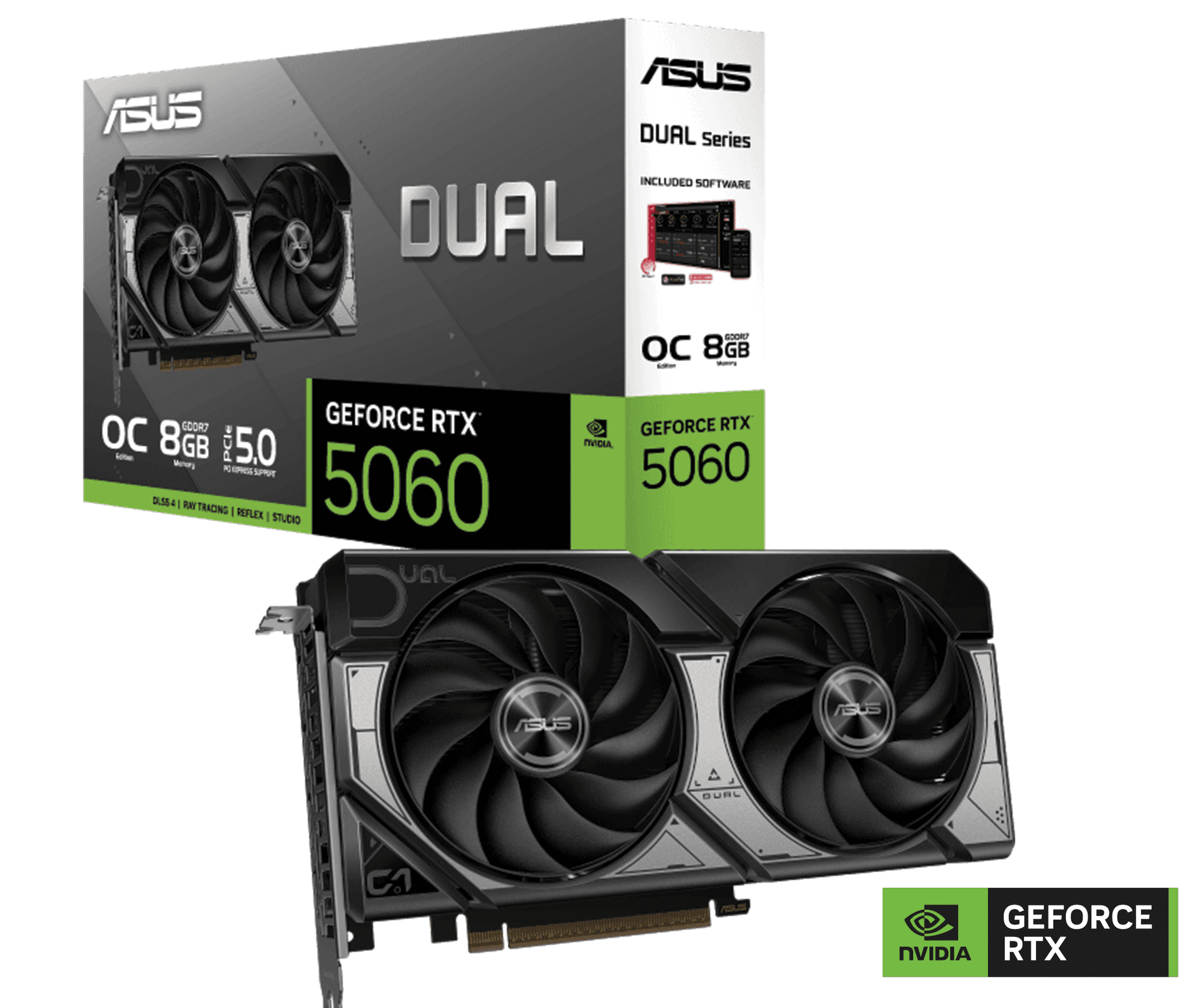
ASUS Dual GeForce RTX 5060 8GB GDDR7 OC Edition Graphic card, 128-bit, 28 Gbps, 3840 CUDA Cores, 2565MHz OC Clock, PCI Express 5.0, NVIDIA Blackwell Architecture | 90YV0N12-M0NA00
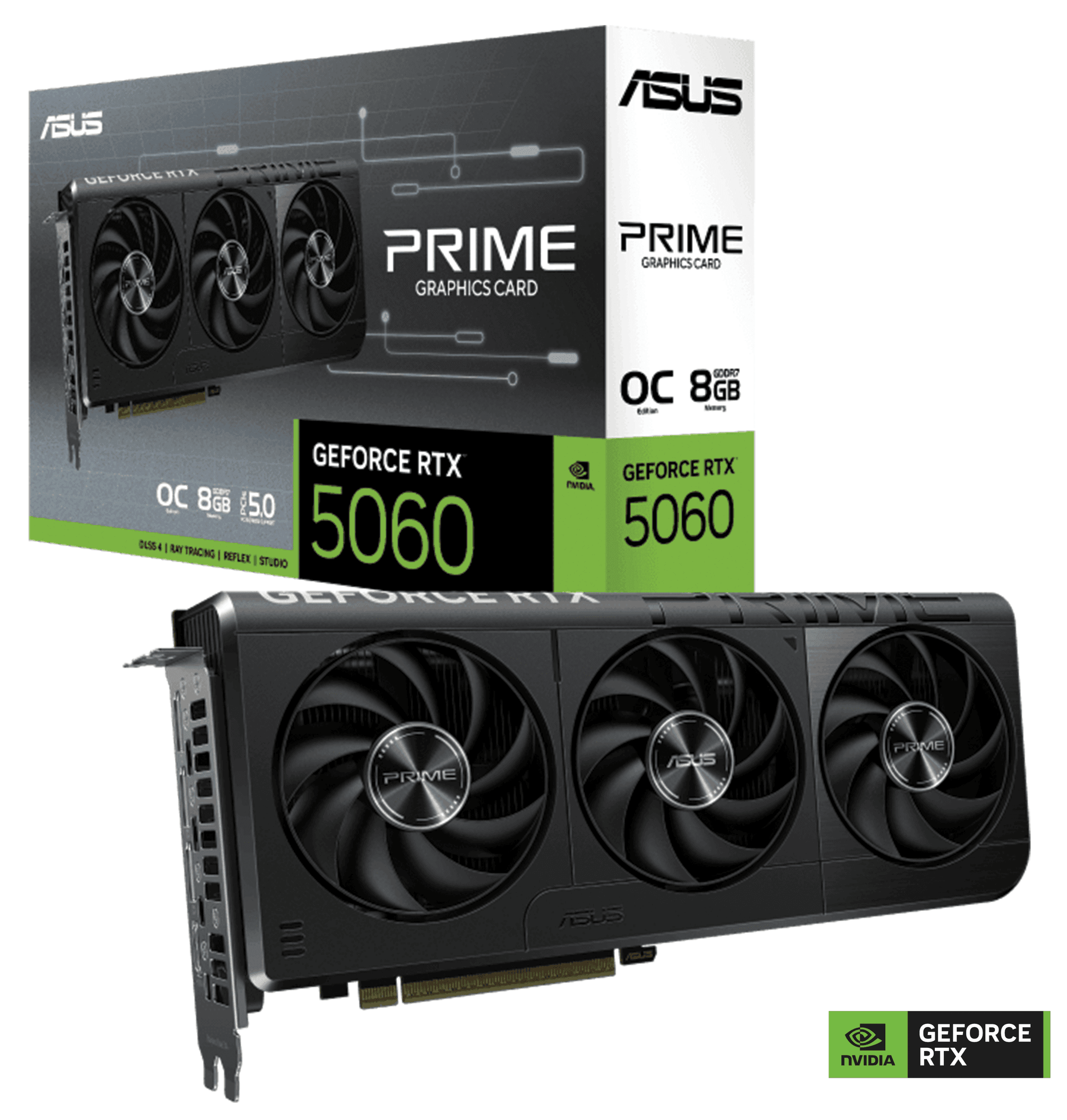
ASUS PRIME GeForce RTX 5060 8GB GDDR7 OC Edition Graphics Card, 28 Gbps 128-bit, 3840 CUDA Core, 2595MHz OC Clock, PCI Express 5.0, NVIDIA Blackwell Architecture | 90YV0N10-M0NA00
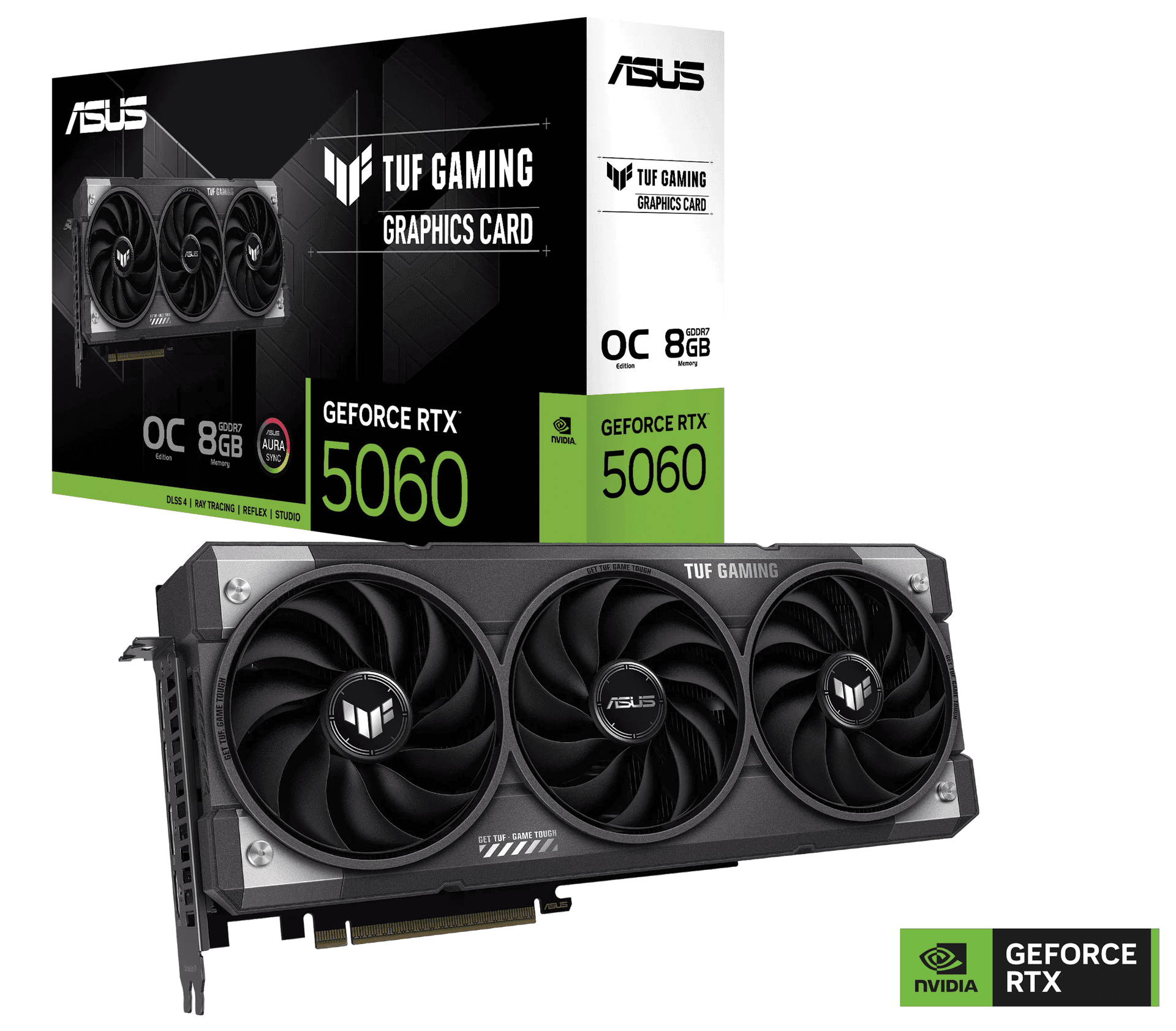
ASUS TUF Gaming GeForce RTX 5060 8GB GDDR7 OC Edition Graphic card, 128-bit 28 Gbps, 3840 CUDA Core, 2677MHz OC Clock, PCI Express 5.0, NVIDIA Blackwell Architecture | 90YV0N00-M0NA00
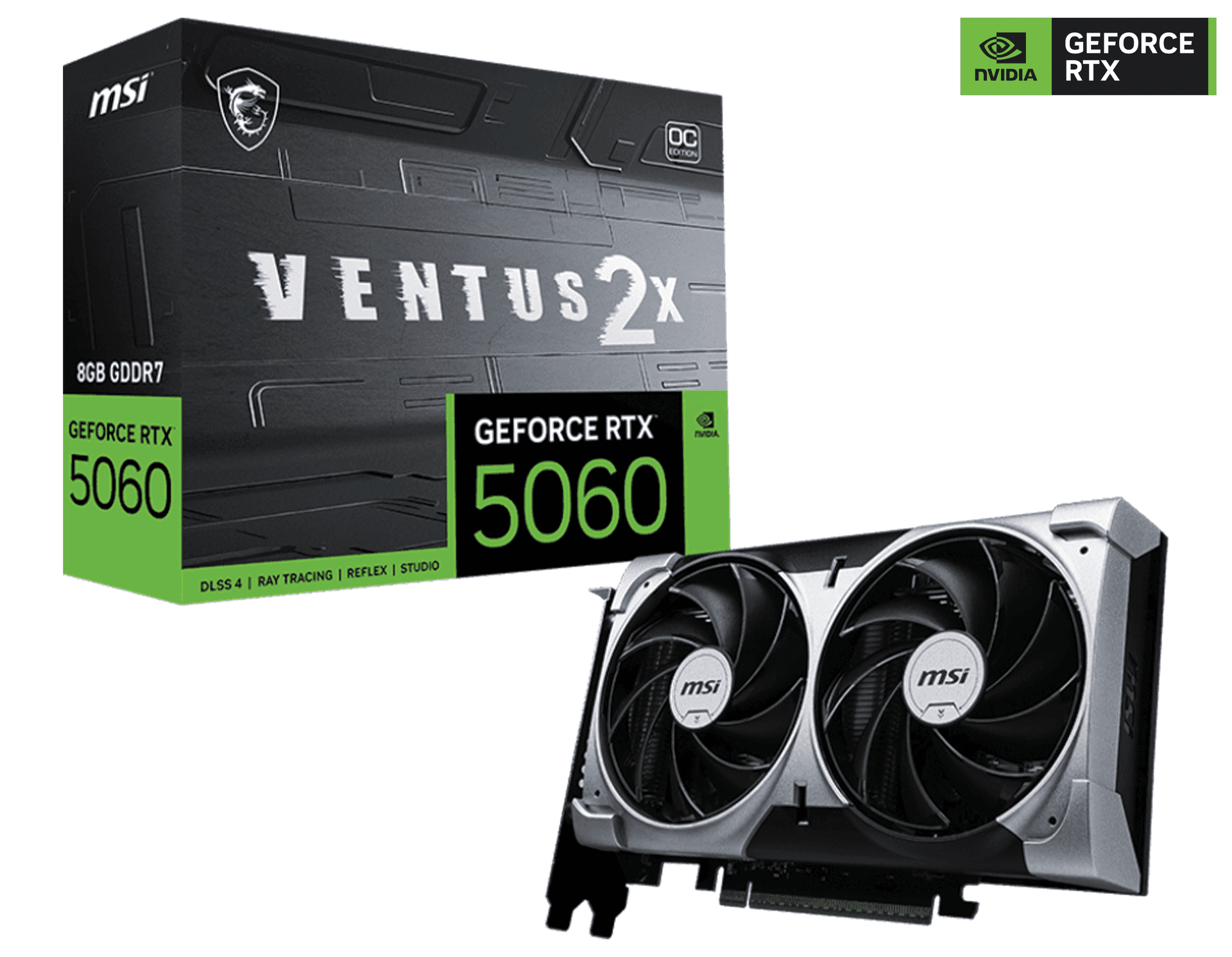
MSI NVIDIA GeForce RTX 5060 8G VENTUS 2X OC Graphic card, 8GB GDDR7, 128-bit 28 Gbps, 3840 CUDA CORES Units, 2535 MHz Extreme Clocks, NVIDIA Blackwell Architecture | 912-V537-017
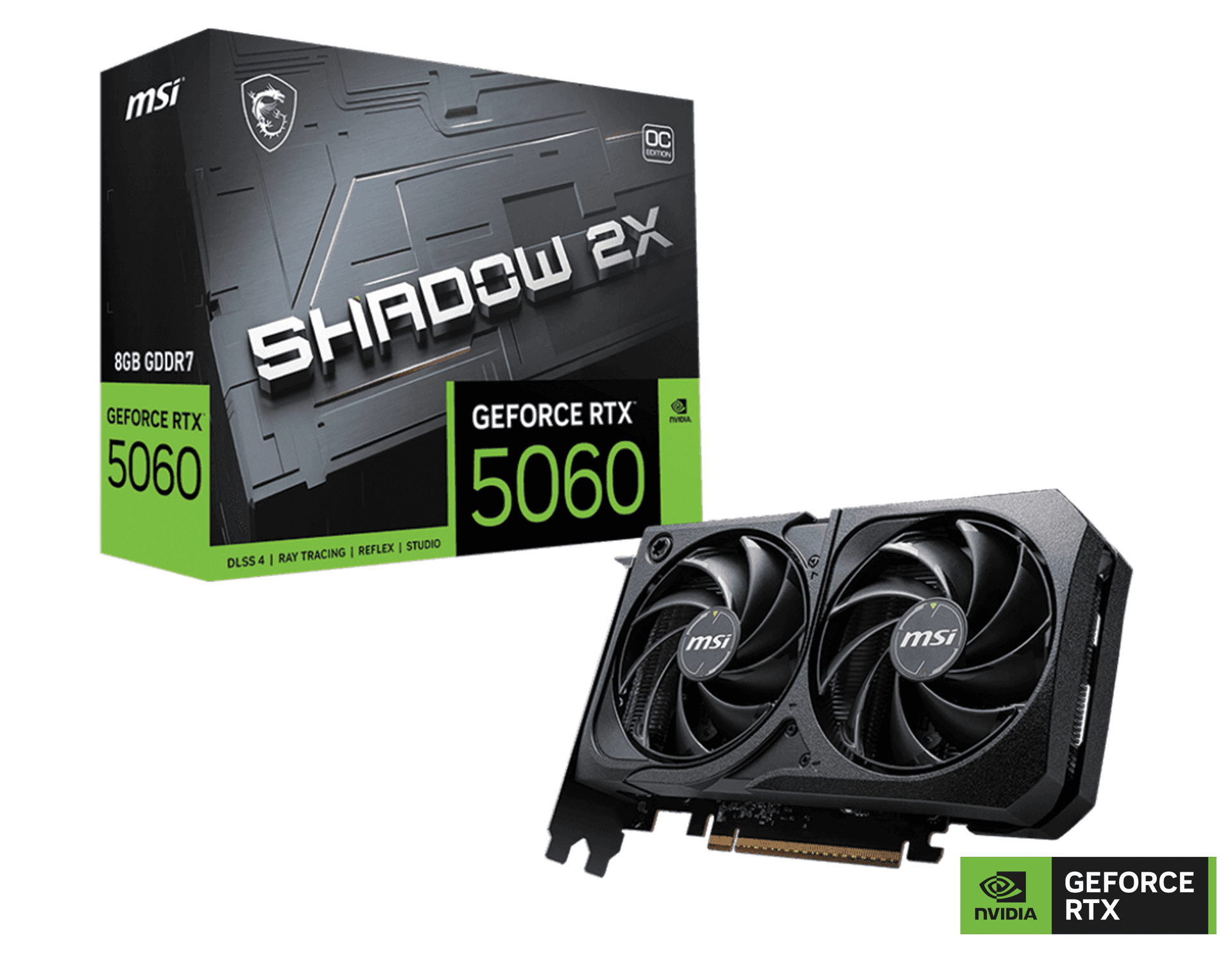
MSI NVIDIA GeForce RTX 5060 8G SHADOW 2X OC Graphics Card, 8GB GDDR7, 128-bit 28 Gbps, 3840 CUDA CORES Units, 2535 MHz Extreme Clock, NVIDIA Blackwell Architecture | 912-V537-019
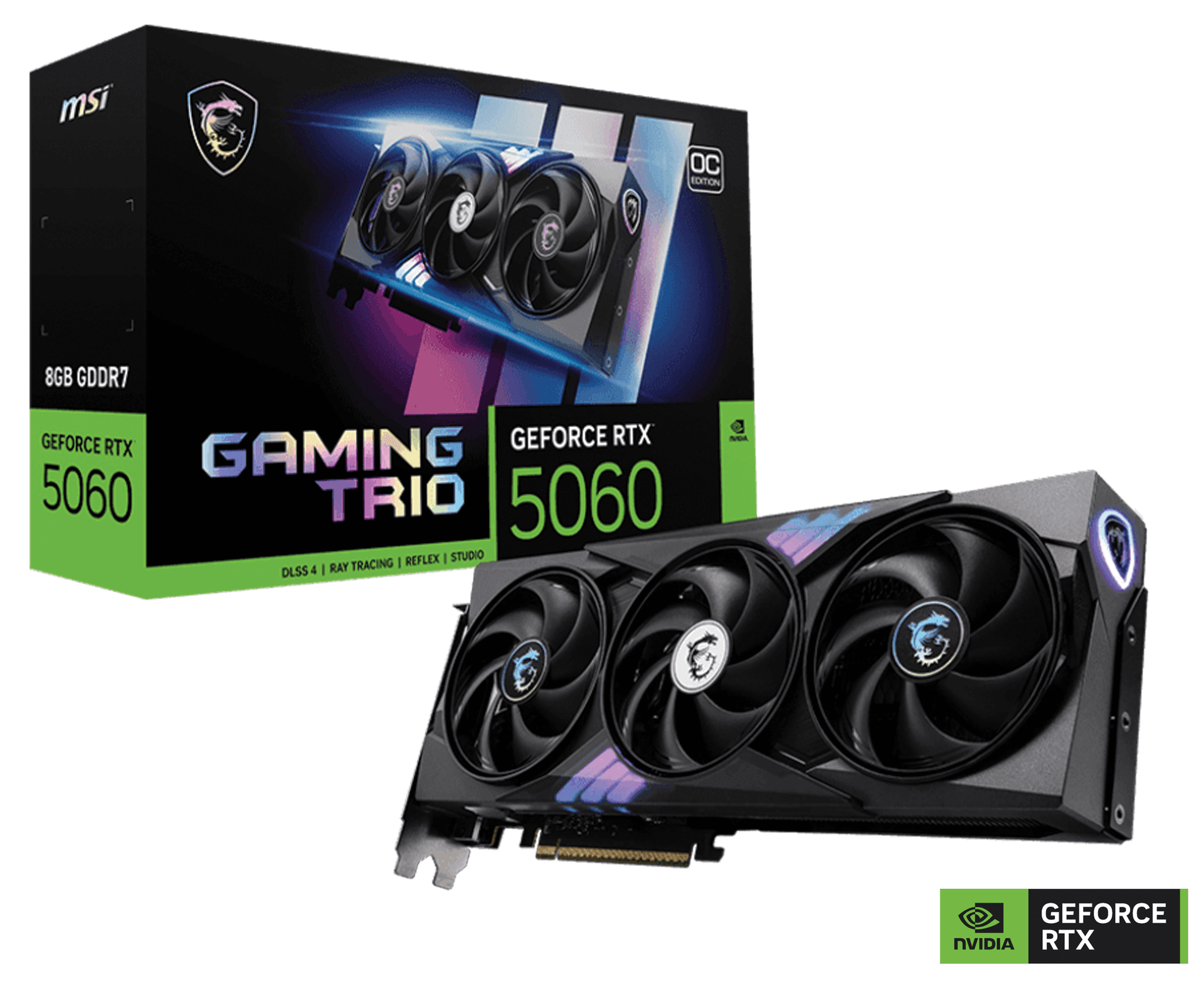
MSI NVIDIA GeForce RTX 5060 8G GAMING TRIO OC Graphics Card, 8GB GDDR7, 128-bit 28 Gbps, 3840 CUDA CORES Units, 2640 MHz Extreme Clocks, NVIDIA Blackwell architecture and DLSS 4 | 912-V537-021
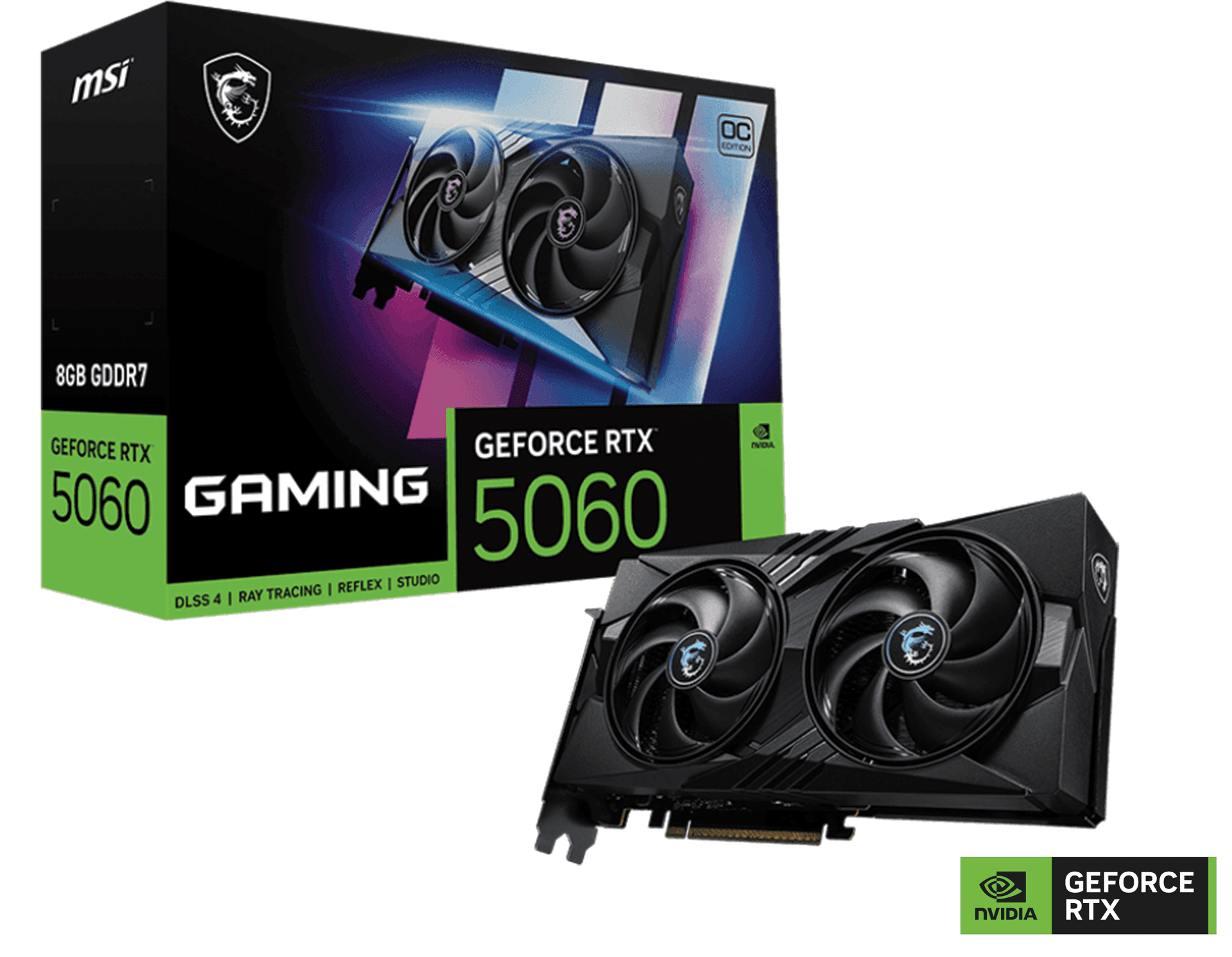
MSI NVIDIA GeForce RTX 5060 8G GAMING OC Graphics card, 8GB GDDR7, 128-bit 28 Gbps, 3840 Units CUDA CORES, 2640 MHz Extreme Clocks, NVIDIA Blackwell Architecture | 912-V537-023