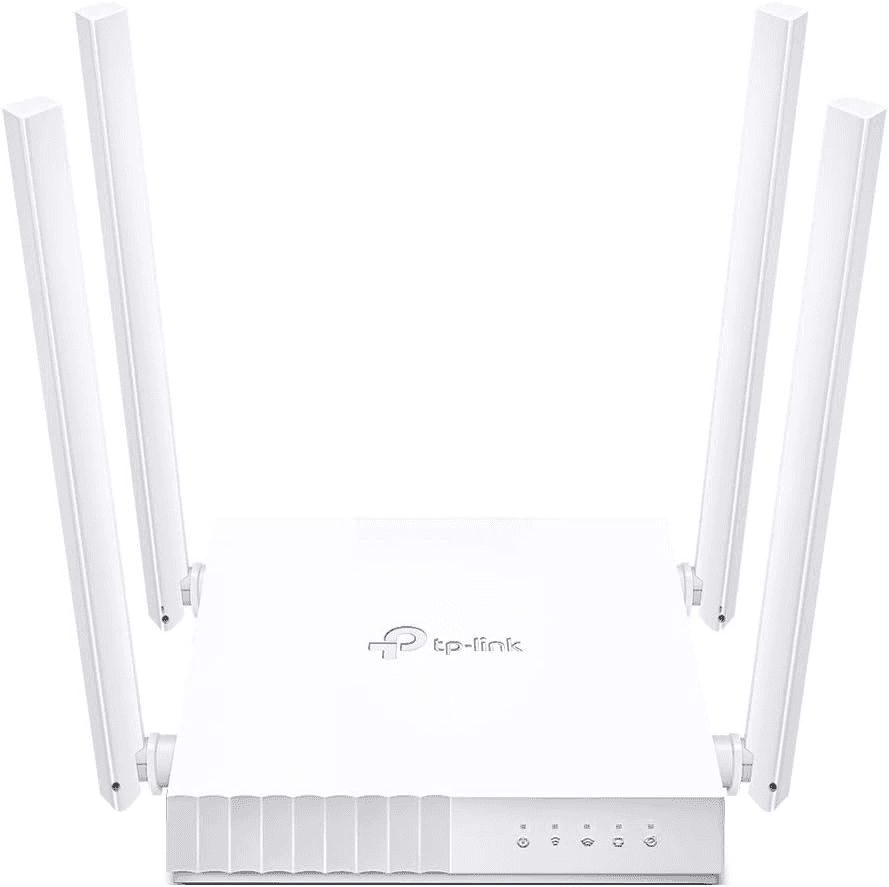
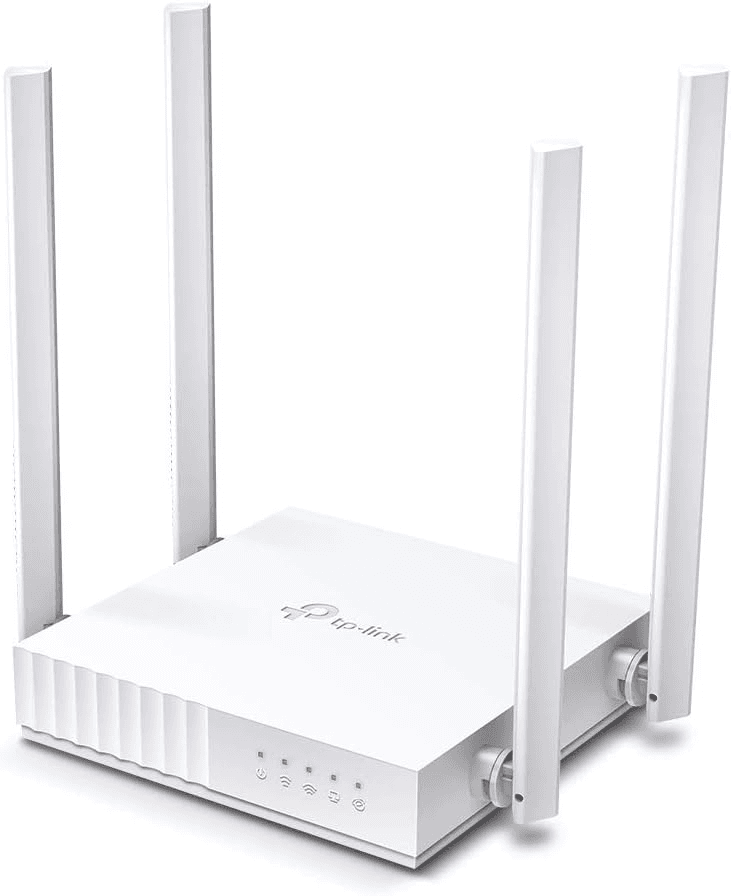
TP-Link Archer C24 AC750 Dual-Band Wi-Fi Router, 4 Antennas, 3-in-1 Multi-Mode, Parental Controls | ARCHER C24
Model :
SKU : WR-TPLINK ARCHER C24
Archer C24
AC750 Dual-Band Wi-Fi Router
High-Speed Wi-Fi
Far-Reaching Coverage
Multi-Mode 3 in 1
Parental Controls
Guest Network
Smooth HD Streaming
IPv6 Supported
Compact and Mountable
Description
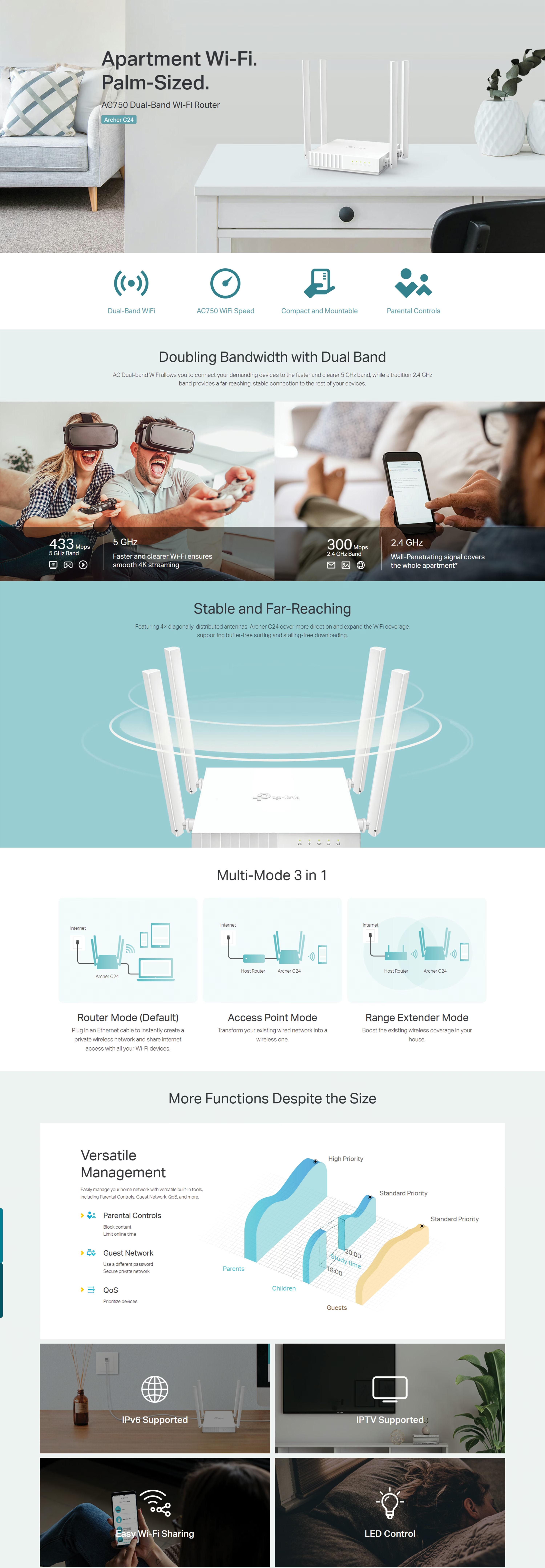
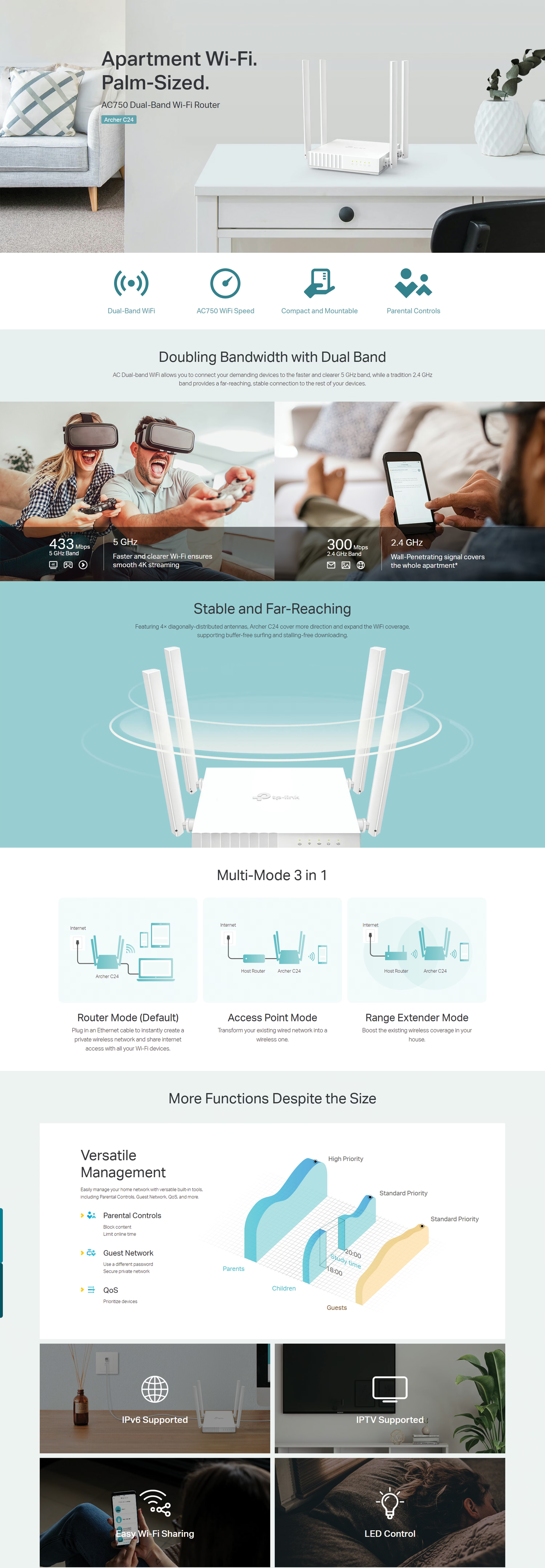
High-Speed Wi-Fi—AC750 dual-band is ideal for HD video streaming, high-speed downloading.
Far-Reaching Coverage—4× antennas deliver far-reaching Wi-Fi and reliable connections.
Multi-Mode 3 in 1—Supports Router, Access Point, and Range Extender to add flexibilities.
Parental Controls—Manages when and how connected devices can access the internet.
Guest Network—Provides separate access for guests while securing the host network.
Smooth HD Streaming—Supports IGMP Proxy/Snooping, Bridge and Tag VLAN to optimize IPTV streaming.
IPv6 Supported—Compatible with the IPv6 (the latest Internet Protocol version 6).
Compact and Mountable—Designed to conserve space and complement any décor.
Setup & Management
Set up the Archer C24 in minutes via its intuitive web interface or the powerful TP-Link Tether app. Tether allows you to manage network settings, parental controls, and guest access from any Android or iOS device.
Why This Product Stands Out
The TP-Link Archer C24 stands out as the ultimate budget-friendly, entry-level AC router. It packs dual-band functionality, four high-gain antennas, and versatile 3-in-1 operation modes into a sleek, incredibly compact design that simply works right out of the box.
Specification
Feature | Specification |
|---|---|
Model & Classification | TP-Link Archer C24 (AC750) | Dual-Band Wi-Fi 5 Compact Router |
Wi-Fi Speeds & Throughput | Aggregate Wireless Class: AC750 (Up to 733 Mbps combined bandwidth) 5 GHz Band: Up to 433 Mbps (802.11ac) 2.4 GHz Band: Up to 300 Mbps (802.11n) Multi-Mode Flexibility: Router Mode, Access Point (AP) Mode, and Range Extender Mode |
Wireless Architecture & Coverage | Antenna Configuration: 4× Fixed Omni-Directional Antennas Coverage Scope: Suitable for small apartments and up to 2-bedroom homes Band Allocation: Dual-Band optimization for balanced device load distribution |
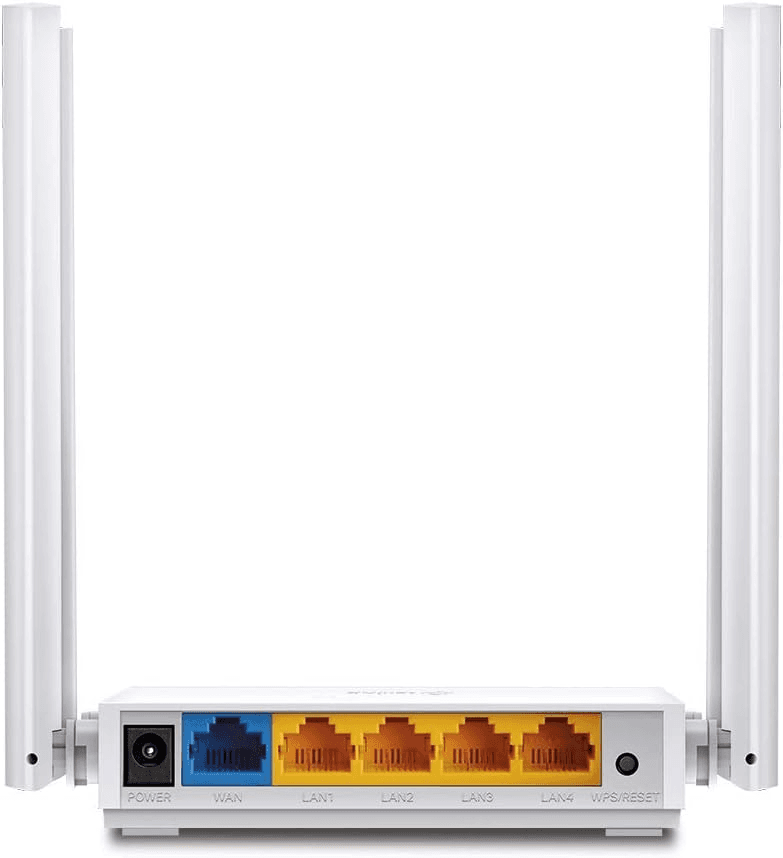
Wired Interfaces & Hardware | WAN Port: 1× 10/100 Mbps Fast Ethernet WAN Port LAN Ports: 4× 10/100 Mbps Fast Ethernet LAN Ports Processing Core: Single-Core Embedded CPU Hardware Controls: Multi-function WPS / Reset combo button Power Specifications: External Power Supply (9 V ⎓ 0.6 A) |
Network Security & Access Controls | Wireless Encryption: WEP, WPA, WPA2-Personal, and WPA/WPA2-Enterprise (802.1x) Firewall & Protection: SPI Firewall, Access Control Lists, IP & MAC Binding, Application Layer Gateway (ALG) Isolated Guest Networks: 1× 2.4 GHz Guest Network & 1× 5 GHz Guest Network |
Software, QoS & Management | Protocols: IPv4 & IPv6 Parental Controls: URL Filtering & Access Time Limit Controls Traffic Management: Quality of Service (QoS by Device) Routing & Forwarding: Port Forwarding, Port Triggering, DMZ, UPnP IPTV Support: IGMP Proxy, IGMP Snooping, Bridge Mode, and 802.1Q Tag VLAN Dynamic DNS (DDNS): NO-IP, DynDNS Setup & Administration: TP-Link Tether App (iOS/Android) & Web GUI |
RF Output Power & Sensitivity (Test Data) | Transmit Power (CE): < 20 dBm (2.4 GHz) | < 23 dBm (5 GHz) Reception Sensitivity (5 GHz): Down to -76 dBm (11a 54M) / -71 dBm (VHT20 MCS8) / -66 dBm (VHT40 MCS9) / -62 dBm (VHT80 MCS9) Reception Sensitivity (2.4 GHz): Down to -76 dBm (11g 54M) / -73 dBm (HT20 MCS7) / -71 dBm (HT40 MCS7) |
Physical Dimensions & Environmental | Dimensions (W × D × H): 115 × 106.7 × 24.3 mm (4.5 × 4.2 × 1.0 in) Operating Temperature: 0 °C to 40 °C (32 °F to 104 °F) Storage Temperature: -40 °C to 60 °C (-40 °F to 140 °F) Operating Humidity: 10% to 90% RH (non-condensing) Storage Humidity: 5% to 90% RH (non-condensing) |
Certifications & Package Contents | Certifications: FCC, CE, RoHS Package Contents: Archer C24 Wi-Fi Router, External AC/DC Power Adapter, RJ-45 Ethernet Cable, Quick Installation Guide |